A lightweight photo compositing tool, built to solve my own content bottleneck.

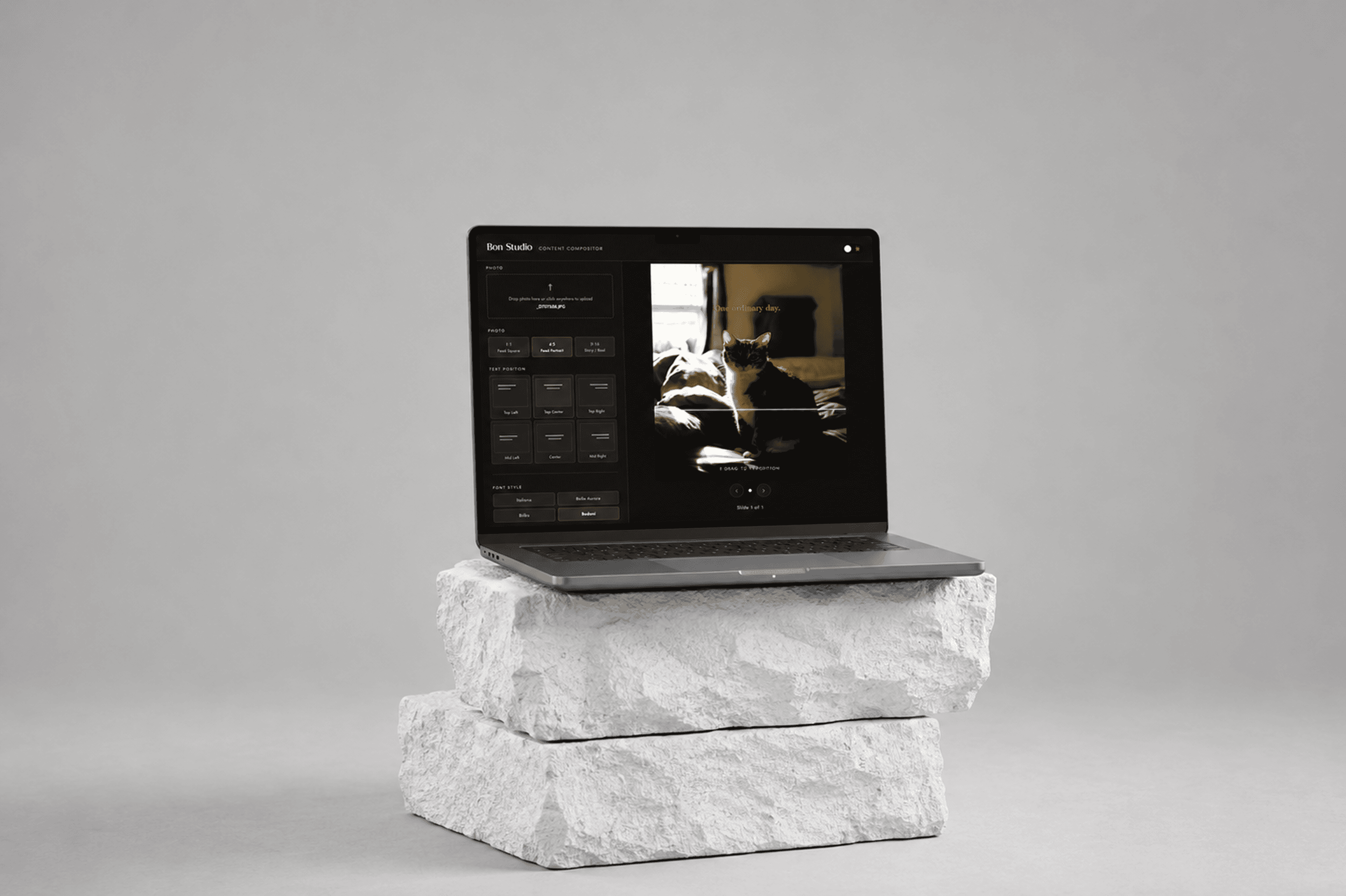
Content Compositor is a lightweight photo compositing tool designed to streamline and accelerate social content creation.
Type
Side Project
Role
Designer & Builder
Tool
All generated with Claude Code.
The Problem
Running a photo studio (bonstudiohk.com) means I also run the social content that comes out of it — three posts a week, consistently, on brand. The workflow was always the same: shoot, edit in Lightroom, then jump into Adobe Illustrator just to add a headline and a watermark.
Illustrator is a production tool. It was never built for this. Every session meant relaunching a heavy application, rebuilding the same layout, and spending twenty minutes on a task that should take two. The friction was small enough to ignore once. Repeated three times a week, it became the most annoying part of my job.
Challenges
The hardest part wasn't building features — it was resisting them.
The real design challenge was scope. It would have been easy to keep adding: filters, colour grading, multi-layer editing. But every feature added is a reason to slow down or stop using the tool entirely. I had to define the exact minimum that solved the problem — and stop there.
What I needed:
Typography over a photo — consistent, on-brand, fast
A fixed set of curated fonts — no decision fatigue
Watermark placement, every time, without re-uploading
Output in the right format, ready to post

Feature 01
Text Placement & Typography
Position text in six spots across the frame. Choose from four typefaces, pick any colour, and adjust line spacing to fit your layout.
Feature 02
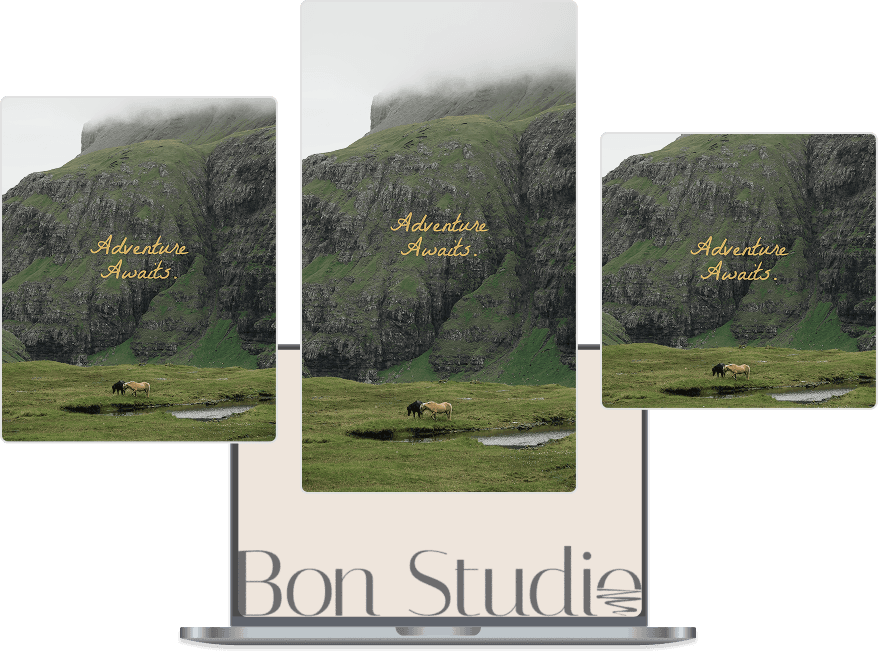
One Canvas, Every Format
Switch between 1:1 feed square, 4:5 feed portrait, and 9:16 story. The canvas resizes instantly.
Feature 03
Watermark Control
Upload your logo, place it at the bottom left, centre, or right, and adjust the size to suit the image.

Feature 04
AI Subject Detection
AI identifies the person in your photo and places the text behind them automatically — no manual editing needed.
Feature List
Text Placement & Typography
Three Format Options
Watermark Control
AI Subject Detection
Carousel Slides
AI Copy Generation
Photo Crop & Reposition
Dark / Light Theme
Multi-slide Export